TapHold
@taphold.me
Tap and hold to reveal

FREE · PRIVATE · NO SIGN-UP
Create a tap and hold image for X directly in your browser. Upload one picture, choose what appears first, compare the reveal previews, and download a validated PNG. No sign-up is required, and image processing stays on your device.
Start making your PNGYour images stay on your device and are not uploaded to our servers.
TapHold
@taphold.me
Tap and hold to reveal
Upload a picture, choose what appears first, preview the tap and hold effect, then download a validated PNG-8 file to post on X.
01 · Workflow
You do not need Photoshop or a desktop image editor to make a tap and hold image. The maker runs in your browser and takes you from upload to download on one page.
Upload a source image from your phone or computer. A clear subject, good contrast, and some space around important details make the preview easier to tune.
Start with a preset or adjust the mask by hand. The preview helps you decide which details remain visible in the feed and which become clearer when the original image is opened.
Check the result on light and dark backgrounds, then download the PNG. Test exports with fine text, subtle shadows, or low-contrast details before publishing.
PNG · Alpha · Mask · Contrast
A tap and hold image is a PNG designed to look different depending on the preview, background, and full-size viewing context. A simplified version may appear in a social feed while more detail can become visible when someone opens the original image.
The effect uses PNG transparency, contrast, masking, and the way a platform places an image against different backgrounds. It is not animation and it does not contain hidden executable code: the downloaded result is a standard PNG image.
The editor builds an indexed PNG with binary transparency and shows practical viewing simulations. Those simulations are useful checks, but they cannot reproduce every compression, resize, or conversion decision made by X.
02 · Ideas
Show a simple composition in the feed, then let extra details become easier to notice in the opened view.
Experiment with alternate artwork, character details, lighting changes, or layered visual ideas without making a video or GIF.
Build a post that invites people to inspect the picture instead of scrolling past it immediately.
Place two visual states into one PNG for edits, design demonstrations, restorations, or transformations.
Hide a message, object, pattern, or answer that becomes easier to see in another viewing context.
LOCAL-FIRST
TapHold is made for quick image creation without an account or a complex editing workflow. Start with a preset, inspect multiple previews, fine-tune the mask, and export from one page.
Image editing happens locally in the browser. Your source image does not need to be uploaded to TapHold servers, and refreshing the page clears the current image and edit history.
The editor is a practical starting point, not a promise of identical rendering on every device. Review the exported PNG and test the final upload on the platform where you plan to publish it.
INSPIRATION FROM X
See how creators turn a quiet timeline image into a reason to tap. Artwork stays on X; TapHold only links to the original post.
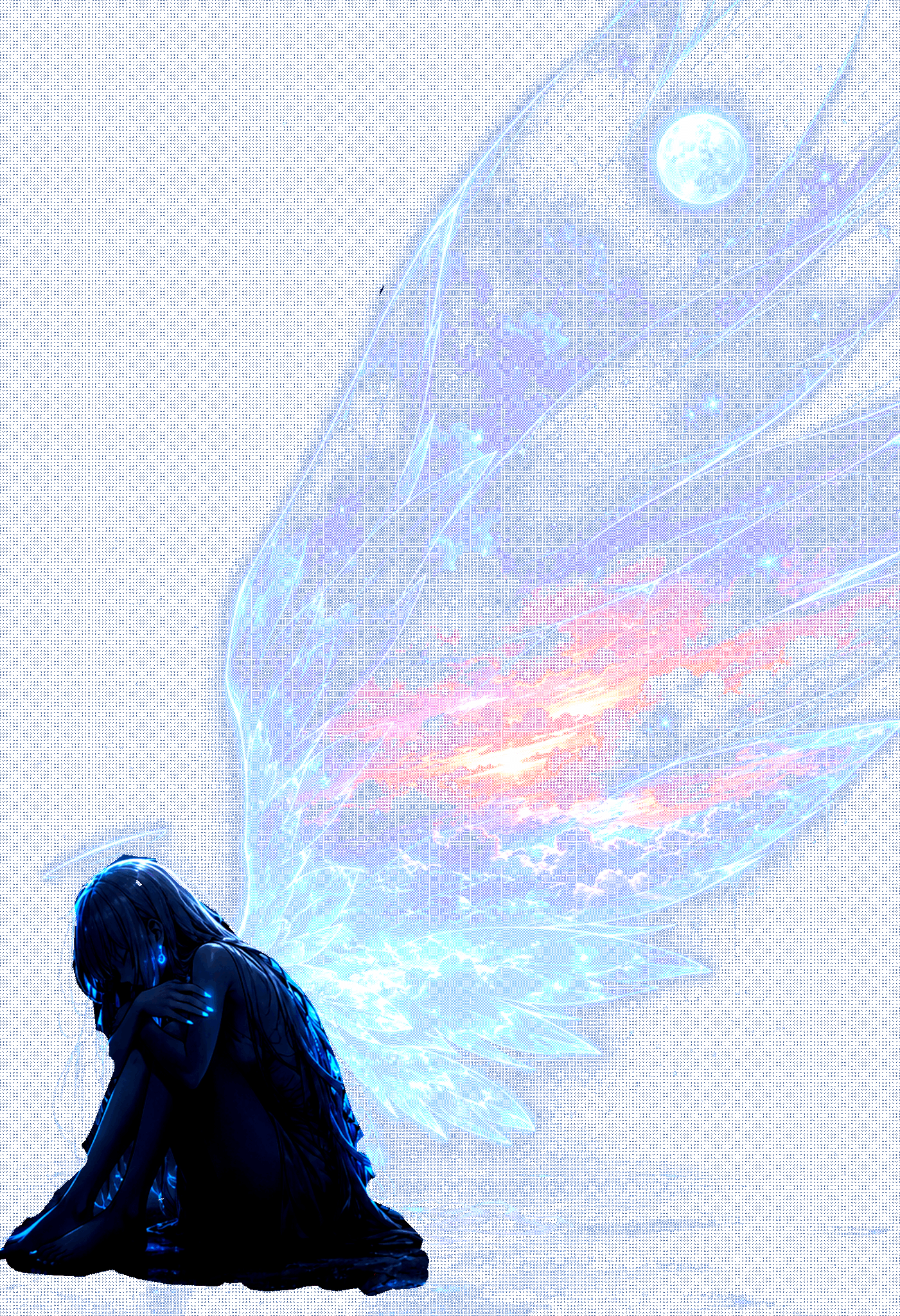
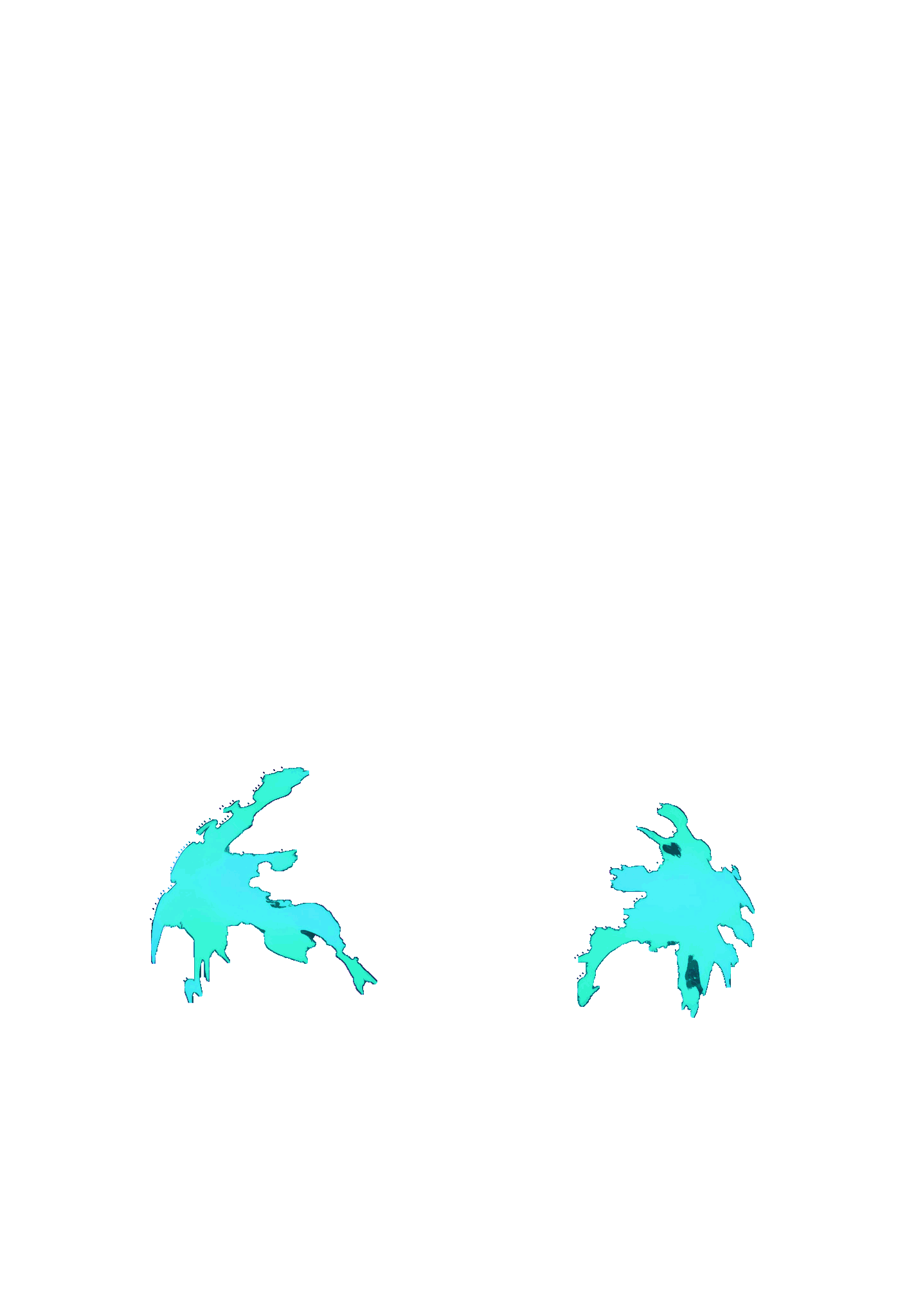
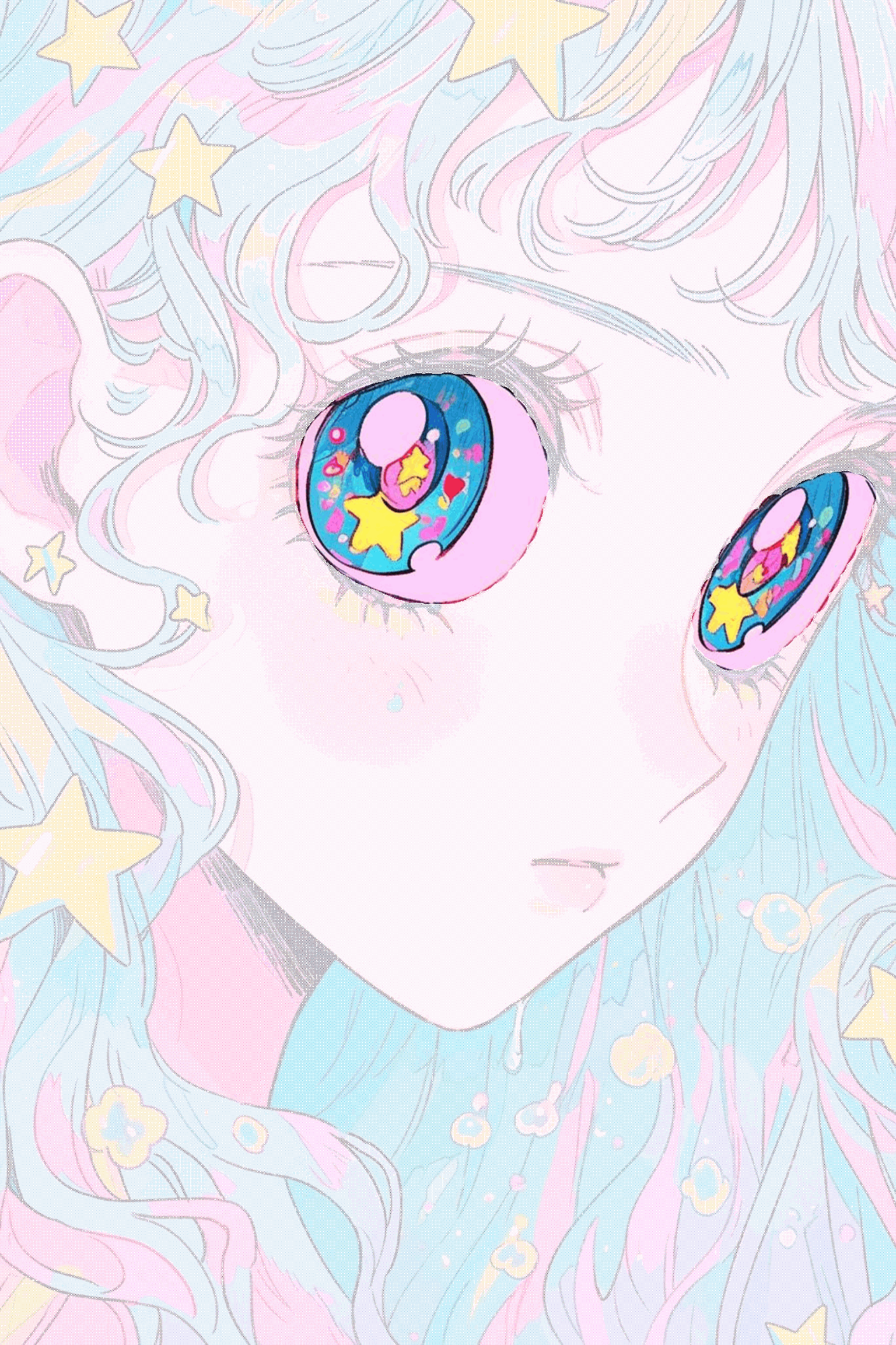
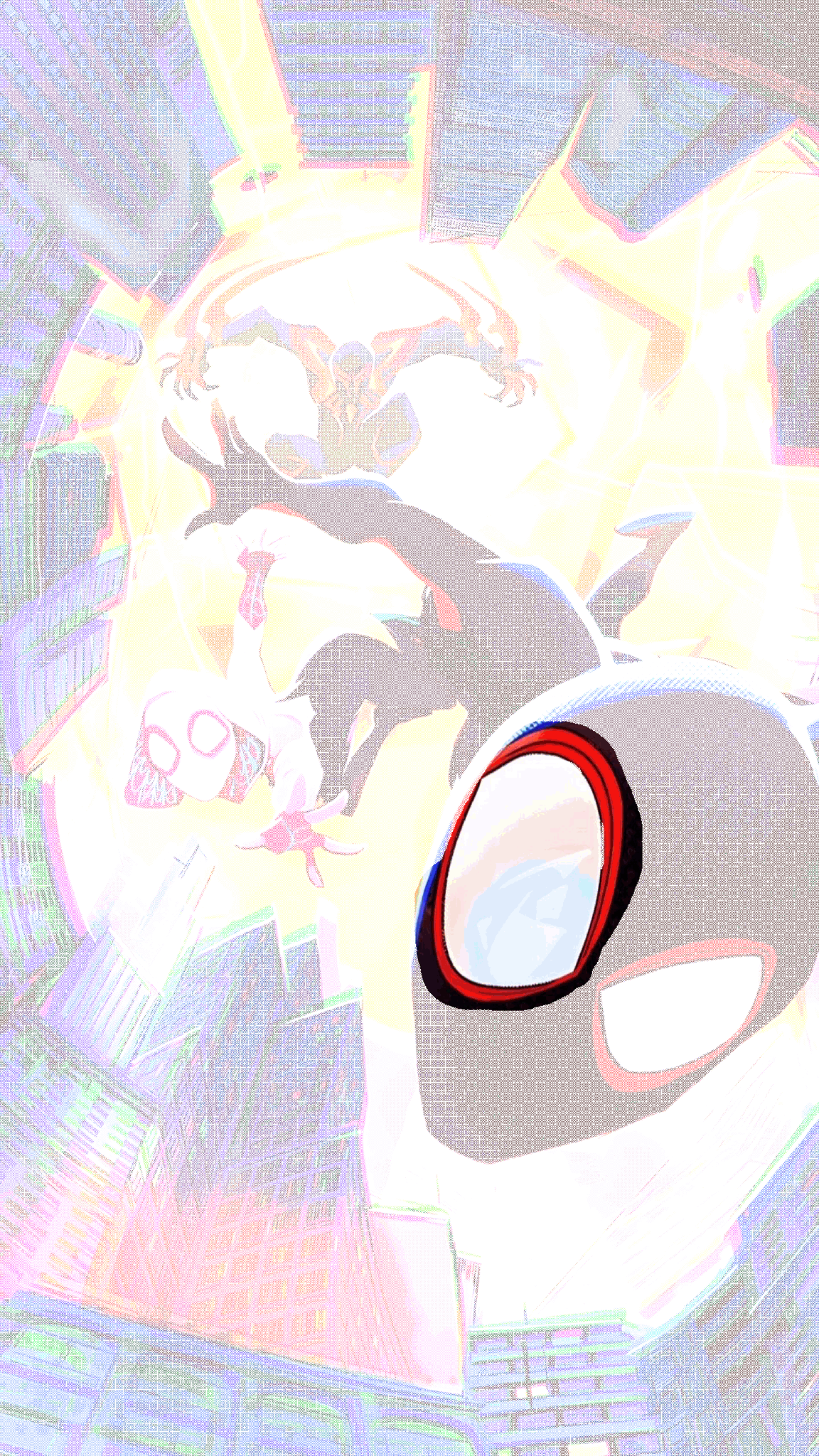
Preview images load from X. X may receive request data when this section loads.
The previews show intended viewing differences, but they cannot reproduce every part of X’s image-processing pipeline. X may resize, recompress, flatten, or display an upload differently as apps, devices, settings, and platform behavior change.
For the best chance of preserving the effect, download the generated PNG without converting it to JPEG. Avoid sending it through editors or messaging apps that can remove transparency, then test the published post from another device or account.
TapHold is not affiliated with X and does not guarantee that every exported image will display identically after upload.
03 · Support
support@taphold.me
It is a PNG designed to show different levels of detail across backgrounds, previews, or full-size viewing. The effect comes from transparency, contrast, and masking rather than animation.
Upload an image, select a preset or adjust the mask, compare the previews, and download the final PNG. Keep the file as PNG when you upload it to X.
Yes. The current browser-based editor works without an account or payment, including image editing and PNG export.
No. The editor processes source images locally in your browser, so they do not need to be uploaded to TapHold servers.
PNG preserves transparency. Converting the result to JPEG can flatten transparent areas and remove the intended viewing effect.
X can resize, compress, or process uploaded files. App versions, background settings, device displays, and future platform changes can also affect the final result.
The editor provides multiple previews so you can inspect the image against different backgrounds. The final X display can still vary from the preview.
Yes. The editor works in modern mobile browsers, although large images and older devices can take longer to process.
You can, but some editors and messaging apps remove transparency or convert PNG files to JPEG. Check that the file is still a PNG and test it again after editing.